
In short:
- Five minutes on your phone at closing time keeps your Google Business Profile in line with the day you actually had.
- Check five things in order: hours, your newest review, one photo, your contact links and one question a customer asked.
- Save the checklist in your phone’s notes app and run it at the same moment every night, like right after you lock the door.
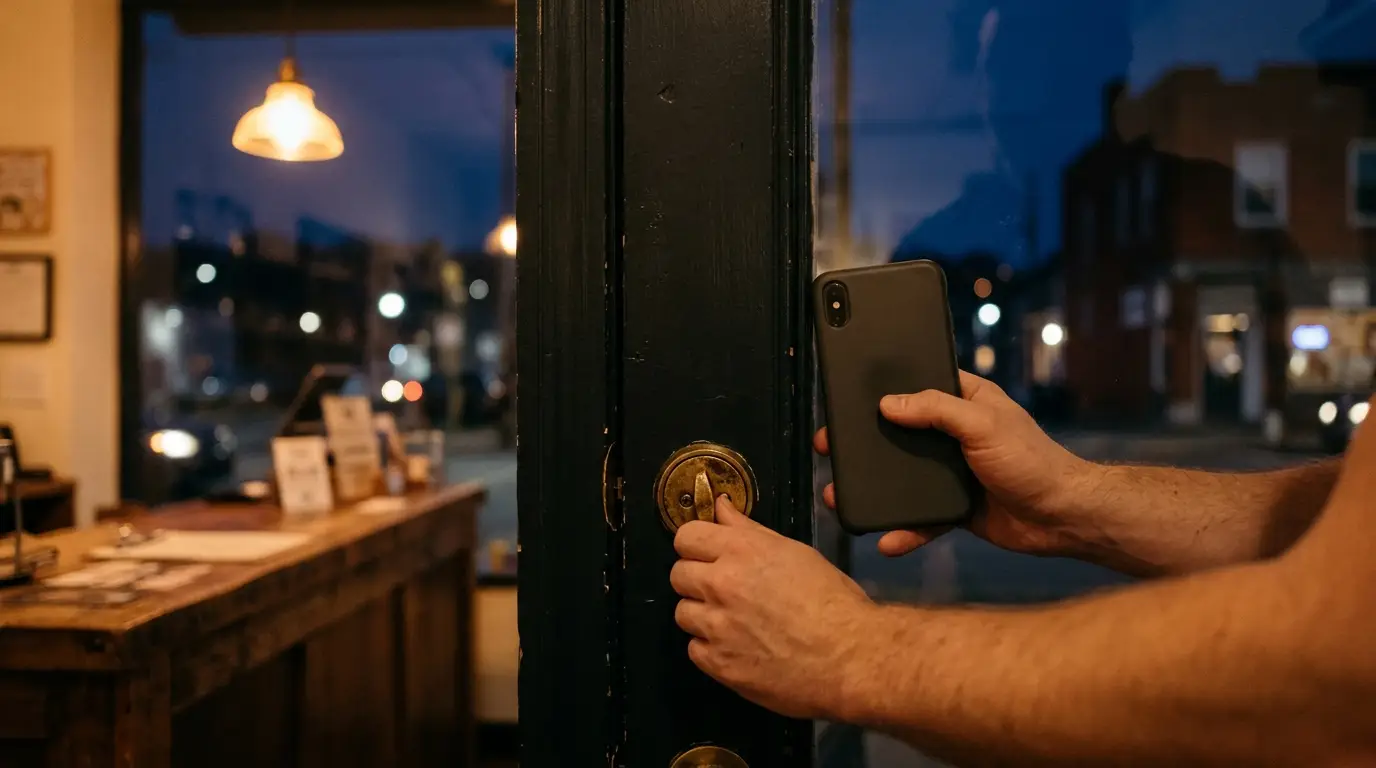
The register is closed, the lights are off and you’re standing by the door with your phone in your hand. In Pittsburgh in November, it’s been dark for hours by the time most shops close. That makes it a good time to give your Google Business Profile five minutes.
This isn’t a full profile makeover. It’s a short nightly habit that catches small things before tomorrow’s customers run into them: hours that changed today, a review that came in this afternoon, a link that quietly stopped working. You can save the bigger fixes for a weekly sit-down. This is the part that keeps the profile current.
Before you start: pick a trigger
Tie the check to something you already do every night, like locking the front door, starting the dishwasher or plugging in your phone. A habit that rides along with an old one is much easier to keep.
Keep two things on your home screen: a Google search for your business name (to see what a stranger sees) and your Business Profile editor (to make changes). That way you aren’t hunting for either one at 9 PM.
1. Hours: did today match, and what’s coming? (about 1 minute)
Start with today. Did you keep the hours your profile shows? If you closed early, opened late or stayed open an extra hour, ask yourself whether it was a one-off or the new normal. If it’s the new normal, update your regular hours tonight.
Then look about two weeks ahead and set special hours for any day that will be different. Right now that means Thanksgiving on Thursday, Nov. 26, plus the Friday after and Small Business Saturday on Nov. 28 if you’re opening early or staying late for holiday shoppers. Once you’ve done those, Christmas Eve, Christmas Day, New Year’s Eve and New Year’s Day are worth setting while you’re thinking about it.
And if a winter storm closes you tomorrow, change that date’s hours before bed so nobody drives over in the snow to a locked door.
2. Your newest review: read it and reply (about 1½ minutes)
Open your reviews and find the newest one. If it came in today, answer it tonight while you still remember the customer. One review a night is plenty, and if nothing’s new, move on.
- A good review: thank them and mention one real detail. “Glad the birthday cake made it to Sunday in one piece” says a lot more than “Thank you for your business!”
- A critical review: acknowledge what went wrong, don’t argue, and give a phone number or email so you can sort it out offline. Leave order details and anything else private out of the public reply.
- Tired or annoyed? Draft the reply in your notes app and post it in the morning. A calm reply tomorrow beats a sharp one tonight.
3. One photo from the day (about 1 minute)
One real photo a day adds up to a profile that looks lived in, not one set up at launch and never touched again. Pick something that shows what you do and what it looks like right now. A coffee shop in Lawrenceville might post today’s pastry case. A contractor might post a finished job, with the client’s OK. A nonprofit might post volunteers setting up for an event, with their permission.
One tip for November: the good light is gone by closing time. Take the photo while it’s still bright out and upload it at night. Ask before you include anyone’s face, and skip stock photos.
4. Phone number and booking link: tap them yourself (about 1 minute)
Go back to the search result, not the editor, and tap each button the way a customer would:
- Call. Does it ring the right phone? Since you’re doing this after hours, listen to your voicemail greeting. Is it current, and does it mention holiday hours once you’ve set them?
- Website or booking link. Does it load on your phone and land on the right page, not an expired promotion or an error? If you use a booking tool, does it show open times for the next few days?
- Message or chat, if your profile has it. Google’s Business Profile Performance API change log shows that on Oct. 14, 2026, Google added a metric that counts clicks on the message or chat button, such as WhatsApp or text message. If you have that button, make sure messages go somewhere a person will see them first thing tomorrow.
Anyone can suggest an edit to your profile, and a website or booking tool update can break a link without warning. The only way to know your buttons work is to tap them.
5. One customer question, written down (about 30 seconds)
Keep a note on your phone called “Customer questions.” Every night, add one thing someone asked you that day, in their words: “Is there parking nearby?” “Do you take walk-ins?” “Do you deliver to Squirrel Hill?”
By the end of the week you’ll see which questions keep coming back. Those belong where people look before they call. That means the Q and A on your profile if it shows one, your business description, and a short FAQ on your website. If a question comes up a lot, it can also point to something your profile is missing entirely, like parking details or the areas you serve.
The checklist, ready to copy
Paste this into a note and pin it:
- Hours: did today match? Special hours set for the next two weeks?
- Review: read the newest one and reply, or draft it for the morning.
- Photo: upload one real photo from today.
- Contact: tap Call, the website or booking link, and Message. All working?
- Question: add one customer question to the list.
Some nights you’ll be done in two minutes because nothing changed. That’s fine. What matters is that you looked.
Leave the bigger jobs for once a week
The nightly check stays short so you’ll actually do it. Save the slower work for a weekly session: going through suggested edits, rewriting your description, and turning your list of customer questions into real answers on your profile and website.
The website half of that matters more than it seems. Every tap on your profile’s website or booking button lands on a page you control. If that page loads slowly, buries the answer or makes booking hard, all the work you put into the profile stops right there. If you’d like a second set of eyes on the pages your profile sends people to, we’re happy to take a look. Request a free website review
Keep reading: How to Verify Your Google Business Profile (GBP) in 2025